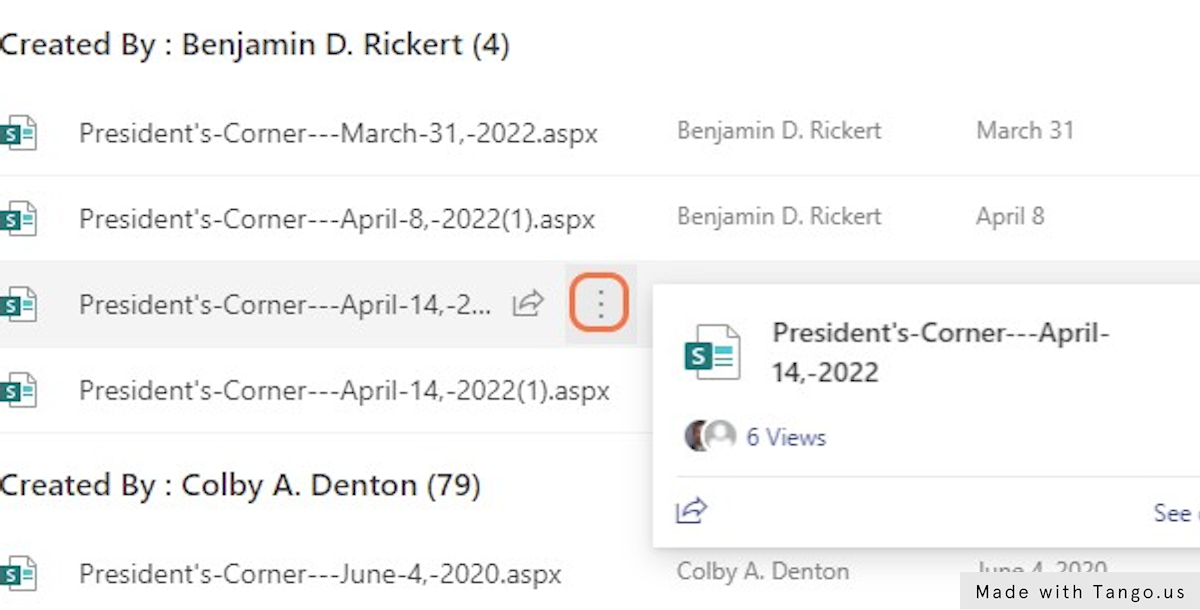
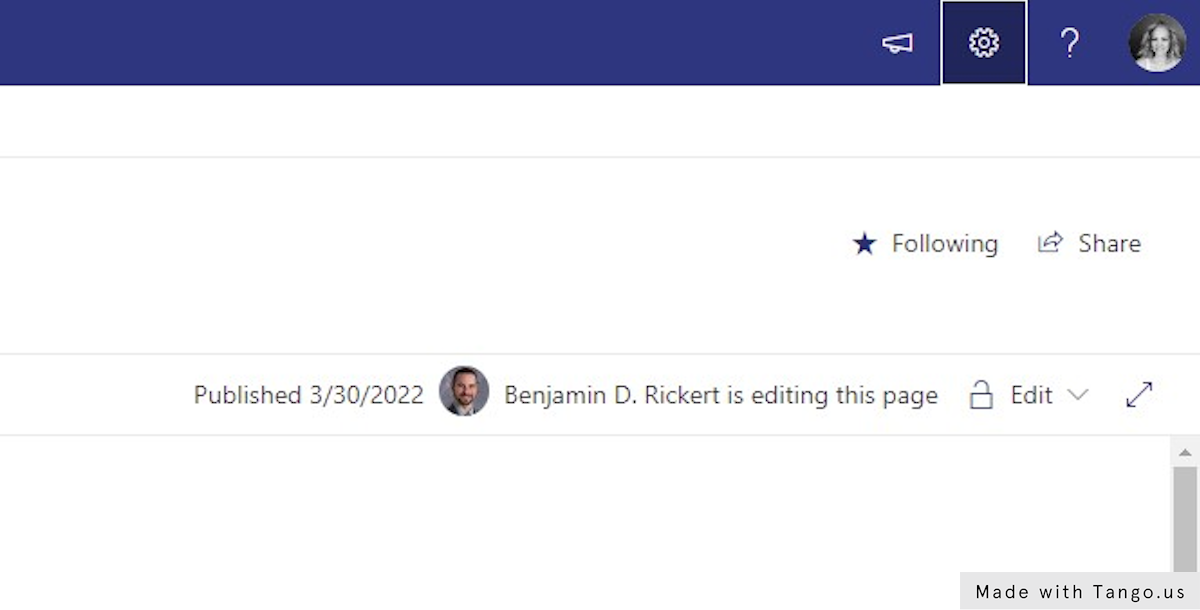
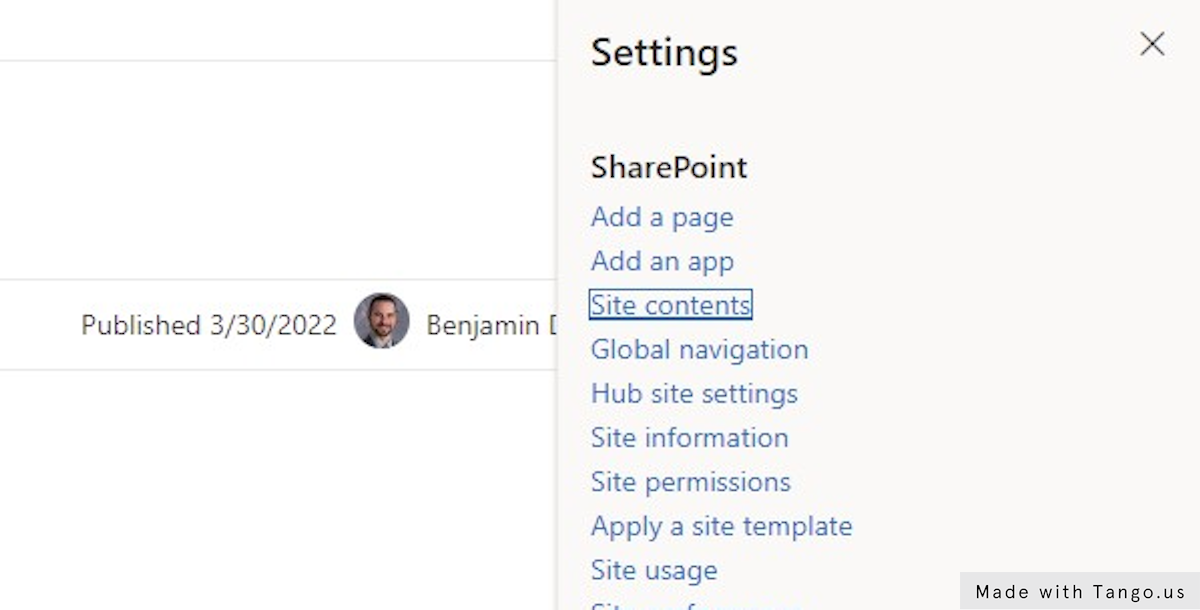
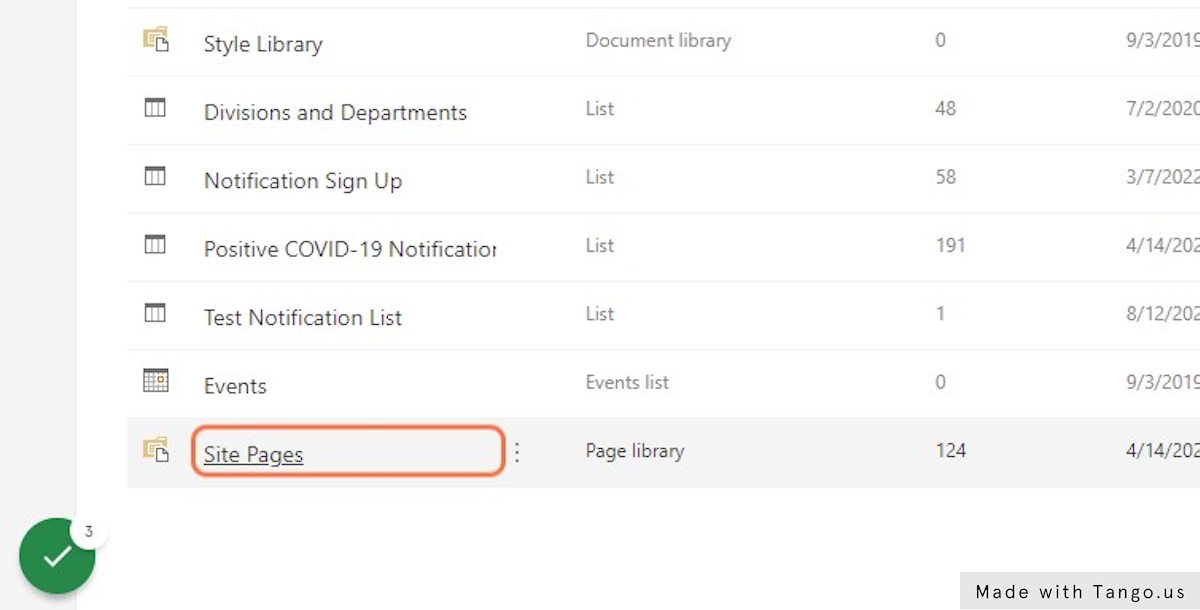
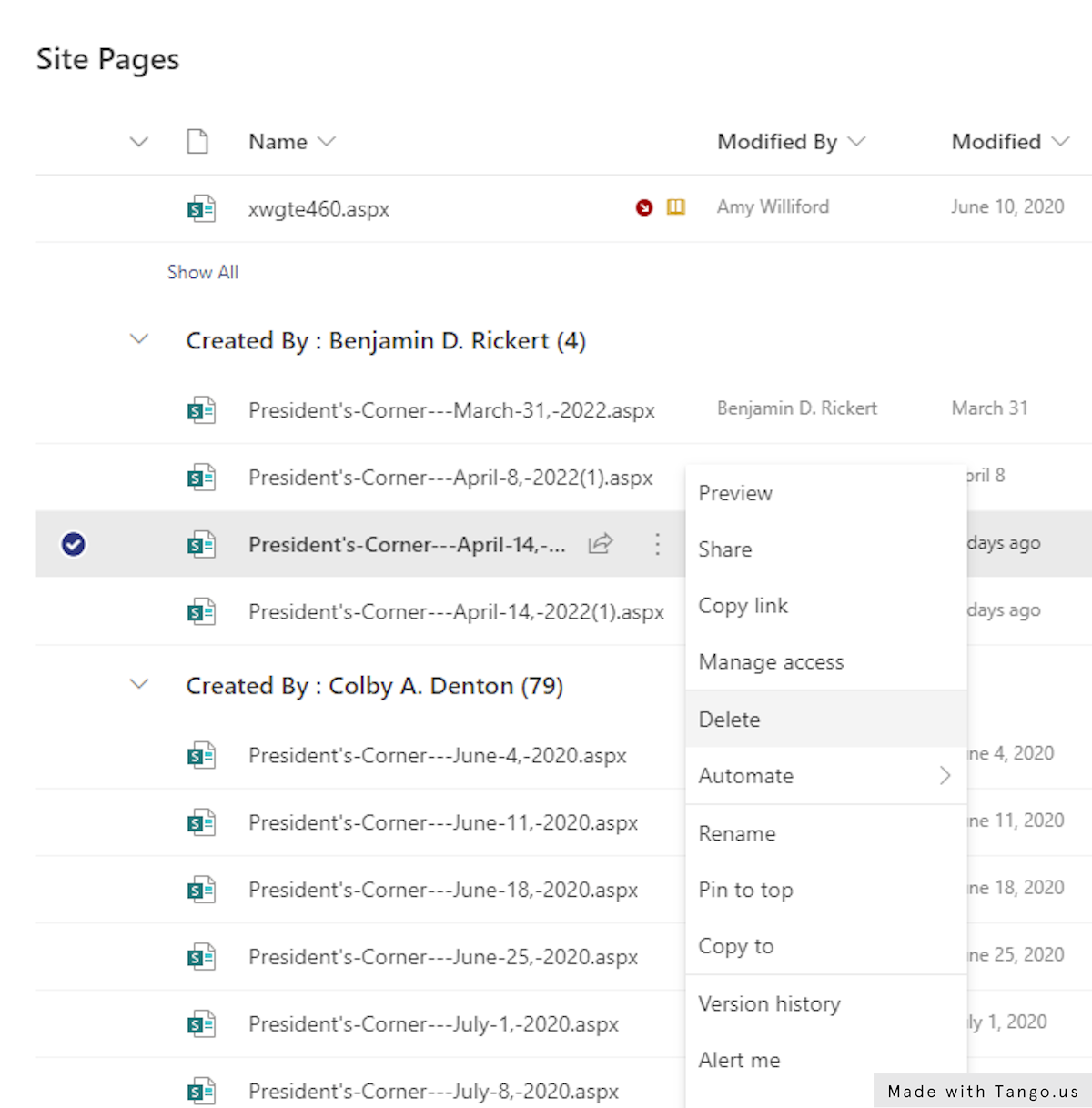
Deleting a page in Sharepoint Online Deleting a page in SharePoint Date: April 18, 2022 Author: Amy Williford Source: Tango 1. Go to Insider - Home 2. Click on gear 3. Click on Site contents 4. Click on Site Pages 5. Click on Show actions Find the page/link you want to delete and click the 3 dots to Show Actions. 6. Select Delete This workflow was created with Tango.